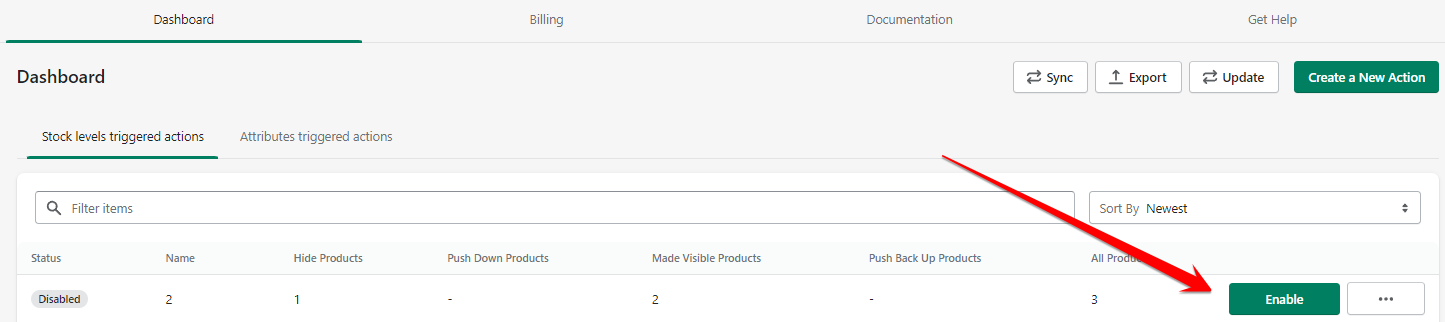
To disable an action, head to your dashboard and find the action that you want to disable. Click on the 'Disable' button.
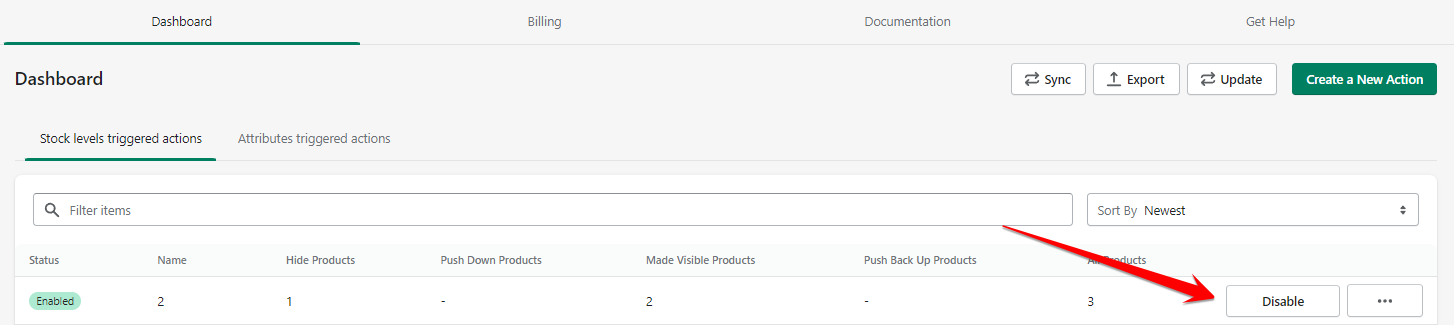
Note that when an action is disabled, it means that it will not be triggered again unless it is enabled back. You just need to click on the 'Enable' button to restore the action back.