
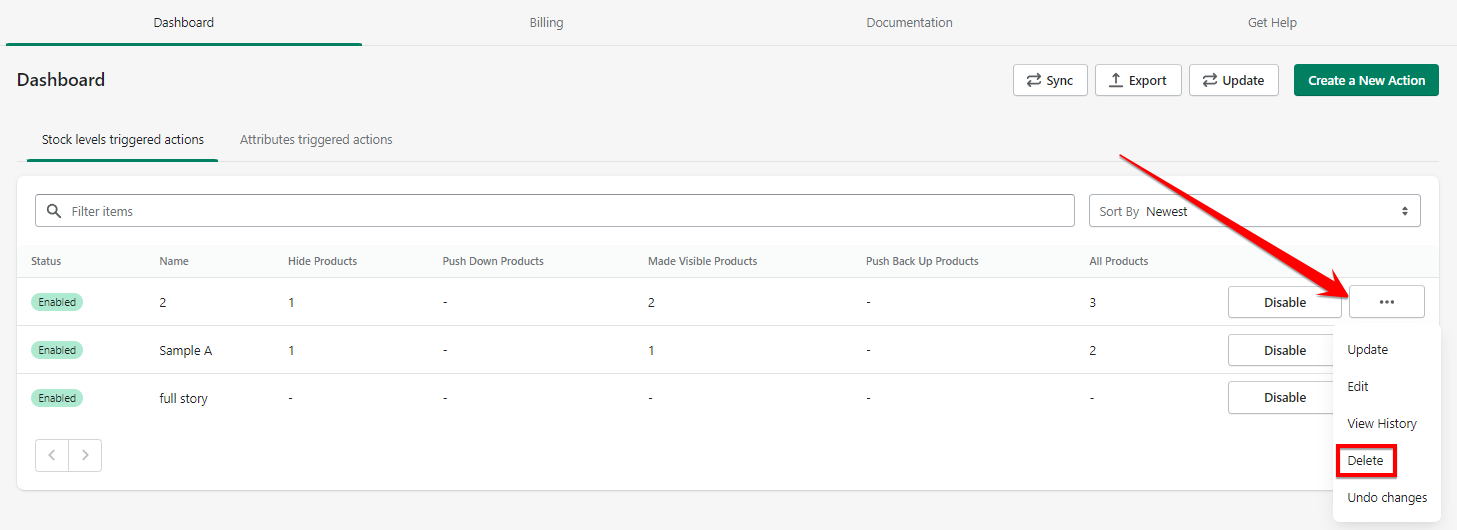
To delete an action, go to your dashboard. Pick an item from your list and click on the three dots. And click 'Delete'.
Caution: Once the action is deleted, there is no way to restore it. Use this with caution.

What are you looking for?
Get help straight from our team...
How to use Stockhide
Last updated on 25 Dec, 2023
To delete an action, go to your dashboard. Pick an item from your list and click on the three dots. And click 'Delete'.
Caution: Once the action is deleted, there is no way to restore it. Use this with caution.